
Opera
Opera is a free web browser for Windows from Opera Software. The stable release is 136.0.6008.22, published on 17 September 2026.
133.1 MB

155.0.8047.0 · Google Inc. · Page updated
Google Chrome Canary is Google's nightly, experimental build of Chrome that installs alongside regular Chrome and shows features weeks before release.
Average 0.0 · ratings: 0
Thank you! Your rating is saved; you can change it. Could not save the rating. Please try again later. Too many ratings from your network today. Please try again tomorrow. The average appears after 5 ratings.
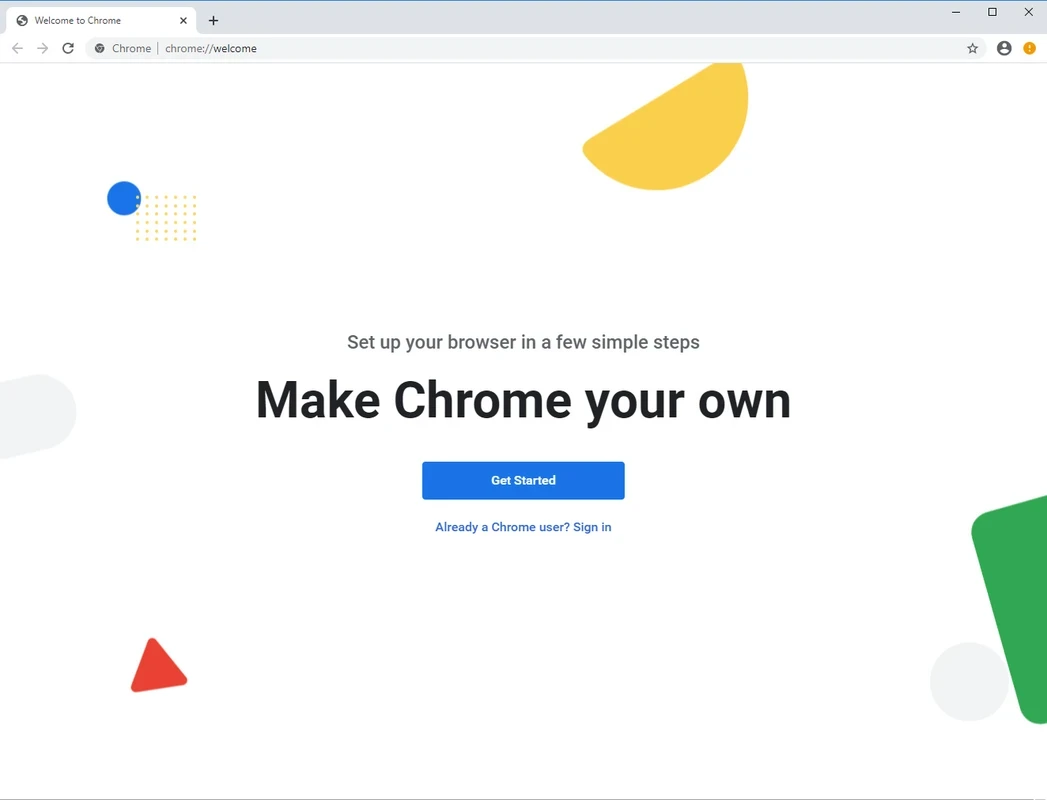
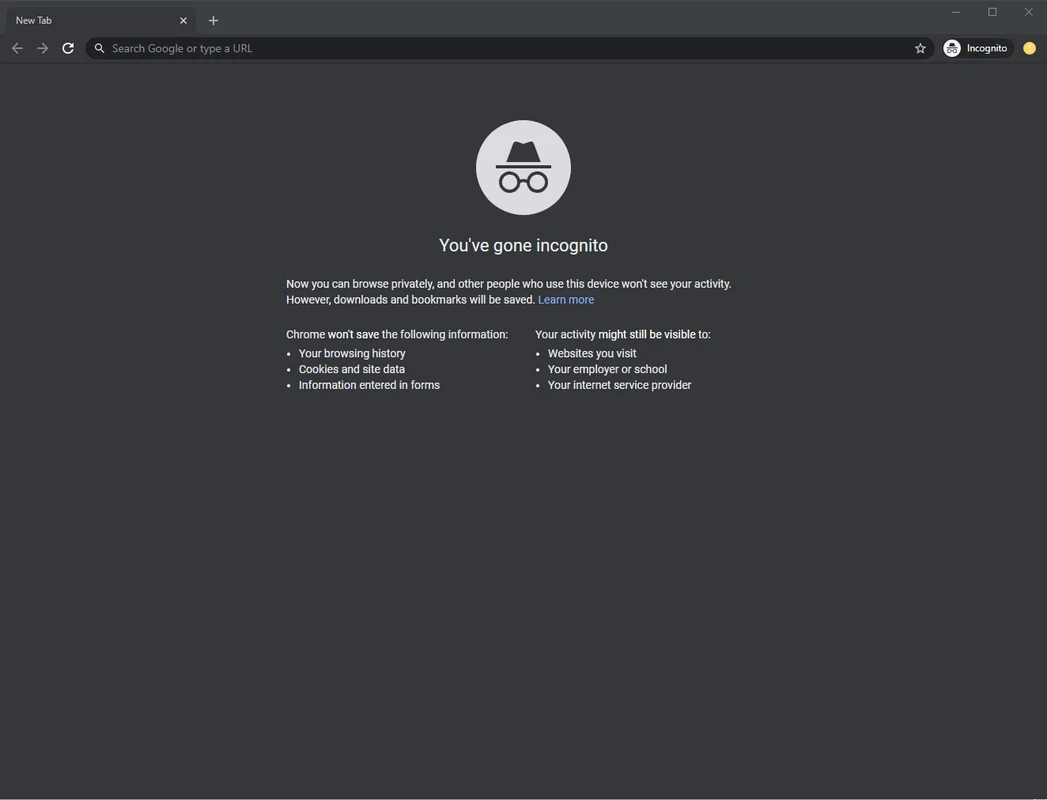
Google Chrome Canary 155.0.8047.0 is the nightly build of the Chrome browser for Windows, published by Google for developers and early adopters. Download Chrome Canary if you want to test upcoming web features and changes long before they reach the stable version of Chrome.
| Parameter | Value |
|---|---|
| Version | 155.0.8047.0 |
| Developer | |
| Channel | Canary (nightly builds) |
| Platforms | Windows, macOS, Android |
| Windows versions | Windows 10 and up (Windows 11 and up on ARM) |
| Licence | free |
| Installer size | about 11.83 MB according to catalogue data |
Chrome is released through several channels. Stable is what most people use, Beta shows the next release, Dev gets changes a little earlier, and Canary is built almost every day straight from the latest source code. Its name comes from the canary in a coal mine: it meets new problems before anyone else does. Every new feature, flag and API appears here first, so web developers can see how their sites behave with upcoming changes to CSS, JavaScript, security rules or rendering, and report bugs before millions of users are affected. Canary installs into its own folder with a yellow icon and runs side by side with regular Chrome, using a separate profile. That means you can keep your normal browser for everyday tasks and open Canary only for tests. Because the code is untested, crashes, broken pages and features that appear and vanish from one day to the next are normal. Canary cannot be set as the default browser on some systems, and it is not intended for banking or important work.
According to Chrome Help, Chrome on Windows with an Intel processor needs an Intel Pentium 4 processor or newer that is SSE3 capable and Windows 10 and up; on an ARM processor, Windows 11 and up is required. Canary follows the same requirements.
On Android, Canary is available as a separate app on Google Play.
Canary is free and comes directly from Google, but it is experimental software. Keep sensitive activity in stable Chrome, back up bookmarks, and expect to reinstall occasionally after a bad build.
For a slightly calmer preview, Google Chrome Dev is on our site. Chromium offers open-source builds, Firefox Developer Edition covers Mozilla's engine, and Microsoft Edge has its own preview channels.
Opera is a free web browser for Windows from Opera Software. The stable release is 136.0.6008.22, published on 17 September 2026.

UC Browser for Windows is the desktop version of the web browser from UCWeb, a Chinese mobile internet company.

Google Translate is Google's multilingual machine translation service, used on Windows through the website and a browser extension.

Microsoft Edge is Microsoft's web browser, preinstalled on current Windows versions and available as a free download for reinstalling or updating.

Mozilla Firefox is a free and open-source web browser developed by Mozilla, available for Windows, macOS, Linux, Android and iOS.

Google Chrome is the free web browser from Google. The stable Windows release is 154.0.8037.58, out since 22 September 2026.

Cent Browser is a free Chromium-based browser for Windows from Cent Studio that adds mouse gestures, tab tweaks and other power-user options.